.avif)
From Pin to Purchase: The Psychology of the ‘Nearest Store’ Search

Understanding Wix store locator user behavior can reveal exactly how people decide where to shop and why they click “nearest store.” The nearest store search psychology shows that users act on impulse, convenience, and trust - often ready to buy right after searching. By optimizing your Wix store finder app for usability and visibility, you can turn quick local searches into real, measurable conversions.
Why Users Search for the Nearest Store
When someone searches for the nearest store on your Wix site, they’re doing more than just saving time - they’re acting on human instincts. People want fast solutions, easy access, and reassurance that what they need is nearby.
These searches are goldmines for insight. They tell you what matters most to your visitors and how to design a store locator experience that feels effortless and helpful.
Behavioral Patterns Behind Store Locator Searches
If you look closer, you’ll see clear behavioral patterns:
- Immediate need searches: Many users search because they want to buy something right now - like groceries, tools, or last-minute gifts.
- Proximity first: Most users pick the closest store, even if another location has more stock. Distance matters more than variety.
- Filter-focused browsing: People love options that help them personalize results - by category, service, or store type.
In short, when your store locator is intuitive and personalized, you help users make faster, more confident decisions, and that leads directly to more conversions.
How Location Influences Purchase Decisions
Here’s the thing: proximity doesn’t just decide which store someone chooses - it often decides if they buy at all. When a customer can easily find your location, confirm availability, and visualize their visit, their likelihood to purchase skyrockets.
A clear, responsive, and accurate map builds trust - and trust drives action. Tools like MapCosmos help you study these search patterns, giving you insights you can use to match products, promotions, and even inventory to customer intent.
Recent Statistics You Should Know
These numbers show just how powerful local intent really is:
🔹 4 out of 5 users conduct searches with local intent on search engines.
🔹 “Near me” searches have exploded by 900% in the last two years (Google).
🔹 39% of consumers check local business information monthly to find details like dog-friendliness or accessibility (BrightLocal).
🔹 Google processes around 97 billion local searches per month - that’s about 3.2 billion per day, or 37,000 per second.
When you think about it, that’s incredible - millions of people every minute are actively searching for a store just like yours. The question is: will they find you easily?
How Store Locator Placement Affects Conversions
Where you place your store locator on your Wix site can make or break engagement. If visitors have to scroll or search for your map, you’re already losing potential buyers. A well-placed, visible map keeps users engaged from the moment they land on your page,guiding them straight to the nearest location.
If you’re not sure how to set it up for maximum visibility, follow our step-by-step Wix store locator installation guide to ensure proper placement and functionality.
Positioning Your Map for Maximum Engagement
Here are a few smart placement tips you can apply right away:
- Above the fold: Make sure your store locator is visible the moment your page loads.
- Feature key locations: Highlight popular or frequently searched stores on your homepage.
- Context is key: Include the locator on product pages or category listings to link search intent directly to purchase intent.
These small changes can help you capture high-intent users. The ones who are already looking for a place to buy.
Designing an Intuitive Search Experience on Wix
A smooth, clear interface makes people want to interact. The easier it is to use your store locator, the higher your engagement and conversions will be.
Here’s how to make it work:
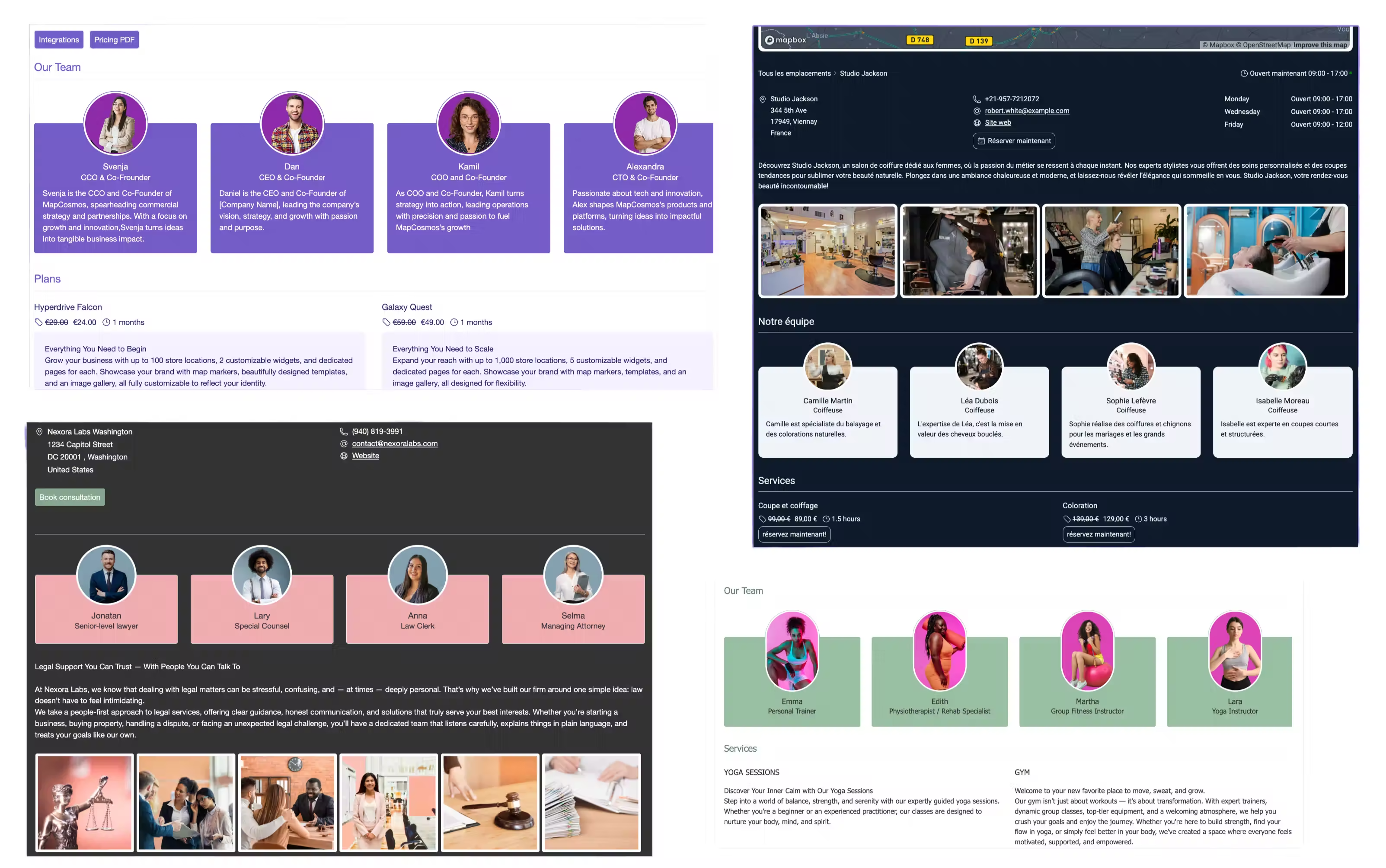
- Use a prominent search bar with auto-suggestions to save users time.
- Add filters for product, category, or service.
- Make map pins interactive - show store hours, contact info, and promotions.
💡 Pro tip: The MapCosmos integration can help you create a professional, easy-to-use store locator that guides customers straight to your door.
Optimizing Your Wix Store Locator for Engagement
If you want your store locator to do more than just display pins on a map, it’s time to think like your users. Focus on creating an experience that feels personal, effortless, and true to your brand.
Stay updated with upcoming enhancements to the Wix store locator by visiting the future roadmap page.
Customizing Filters and Search Options - What You’ll Gain
Let’s be honest: no one likes scrolling endlessly to find what they need. Custom filters make your map faster, cleaner, and much more useful, and here’s what that does for you:
- You help people find exactly what they’re looking for - whether it’s a product, a service, or a specific store type.
- You guide users toward what’s most popular - highlighting top categories or trending locations keeps them engaged.
- You build a stronger brand image - consistent colors and map styles create trust and make your site look professional.
When users feel like your site “just gets them,” they stay longer - and they buy more.
Tracking User Interaction for Better Insights
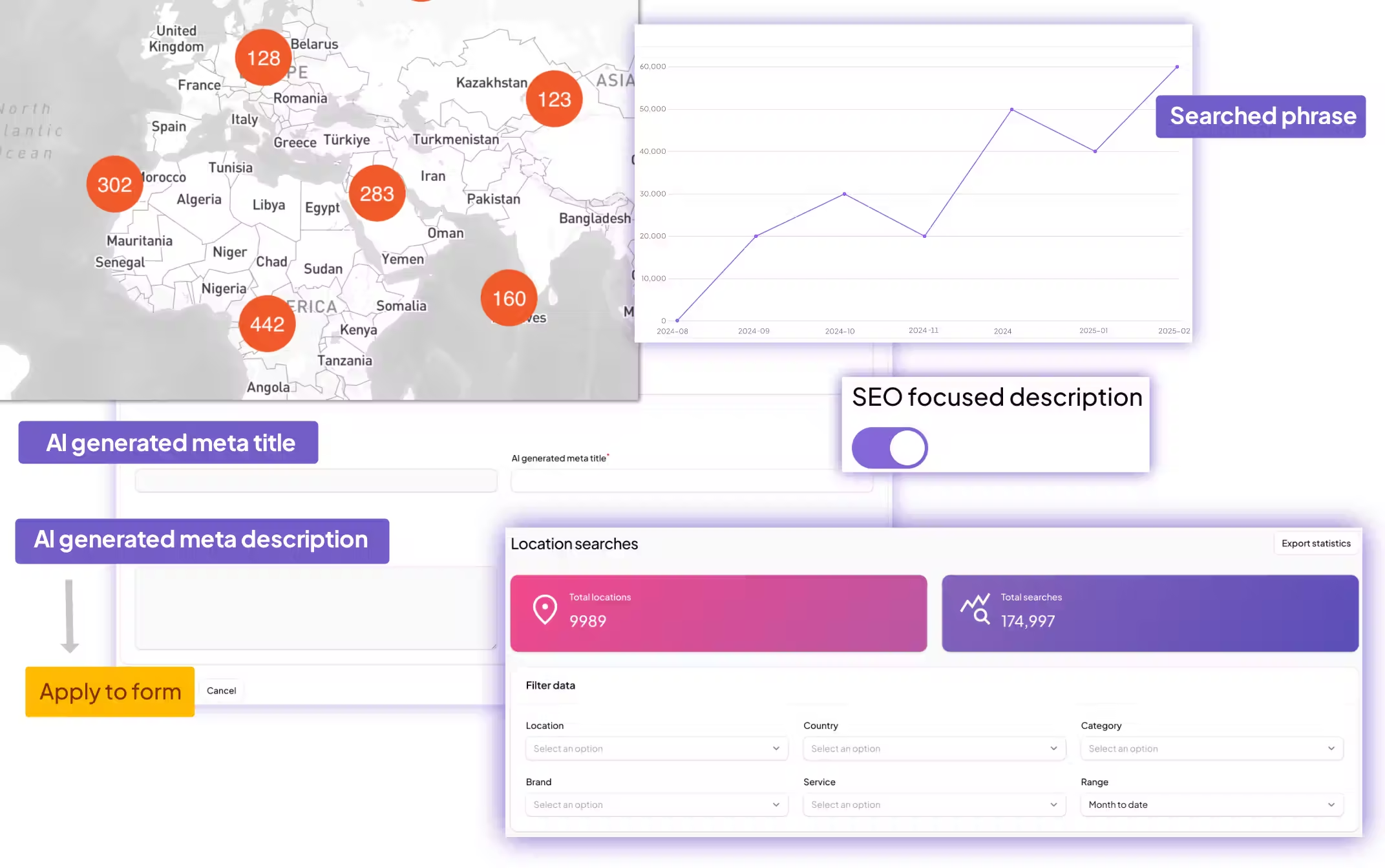
To make smart, data-driven improvements, start by observing how visitors actually use your map. Every click, search, or filter reveals how people navigate your store locator and what might be getting in their way.
Here are key metrics worth tracking:
- Clicks on map pins, searches, and distance filters – show which stores and regions attract the most attention.
- Times of day or week with peak activity – help you plan staffing, ads, or local promotions more effectively.
- Paths from store search to visit or purchase – uncover how customers move from discovery to conversion.
💡 Pro tip: By analyzing Wix store locator user behavior, you can refine your design and improve the overall experience. Then, understand what drives users to click ‘nearest store’ next, and use those insights to boost engagement and conversions.
Final Thoughts
People don’t just search for the nearest store - they’re looking for trust, convenience, and speed. If you understand the psychology behind nearest store searches, and you design your Wix store locator around those motivations, you’ll turn simple searches into powerful sales opportunities.
With tools like MapCosmos and a few thoughtful design choices, your store locator can become more than just a map -it can be a conversion engine that connects your brand to your customers, right when they’re ready to buy.
Ready to Take the Next Step?
If you haven’t already, take a fresh look at your Wix store locator. Is it easy to find, fun to use, and visually consistent with your brand? Small improvements - like adding filters, tracking interactions, or adjusting map placement - can lead to big gains in conversions.
With the right setup and a bit of insight into your users’ psychology, you can transform simple “nearest store” searches into meaningful customer connections and long-term brand loyalty.
Ready to drive real results
See how MapCosmos transforms browsers into customers with a live walkthrough.