.avif)

How to Add a Store Locator to Shopware
This guide provides a step-by-step walkthrough for adding a MapCosmos store locator widget to your Shopware storefront.
Step 1: Get your installation code
- Log in to your MapCosmos dashboard
- Open your widget
- Click Installation Code
- Copy the snippet provided
👉 If you haven’t created a widget yet, follow our setup guide first.
Step 2: Embed the locator into Shopware
Since Shopware templates are Twig-based, you’ll insert the MapCosmos snippet into a CMS page or theme template.
Option A: Add to a Shopping Experience (CMS Page)
1. Go to Content → Shopping Experiences in your Shopware admin.
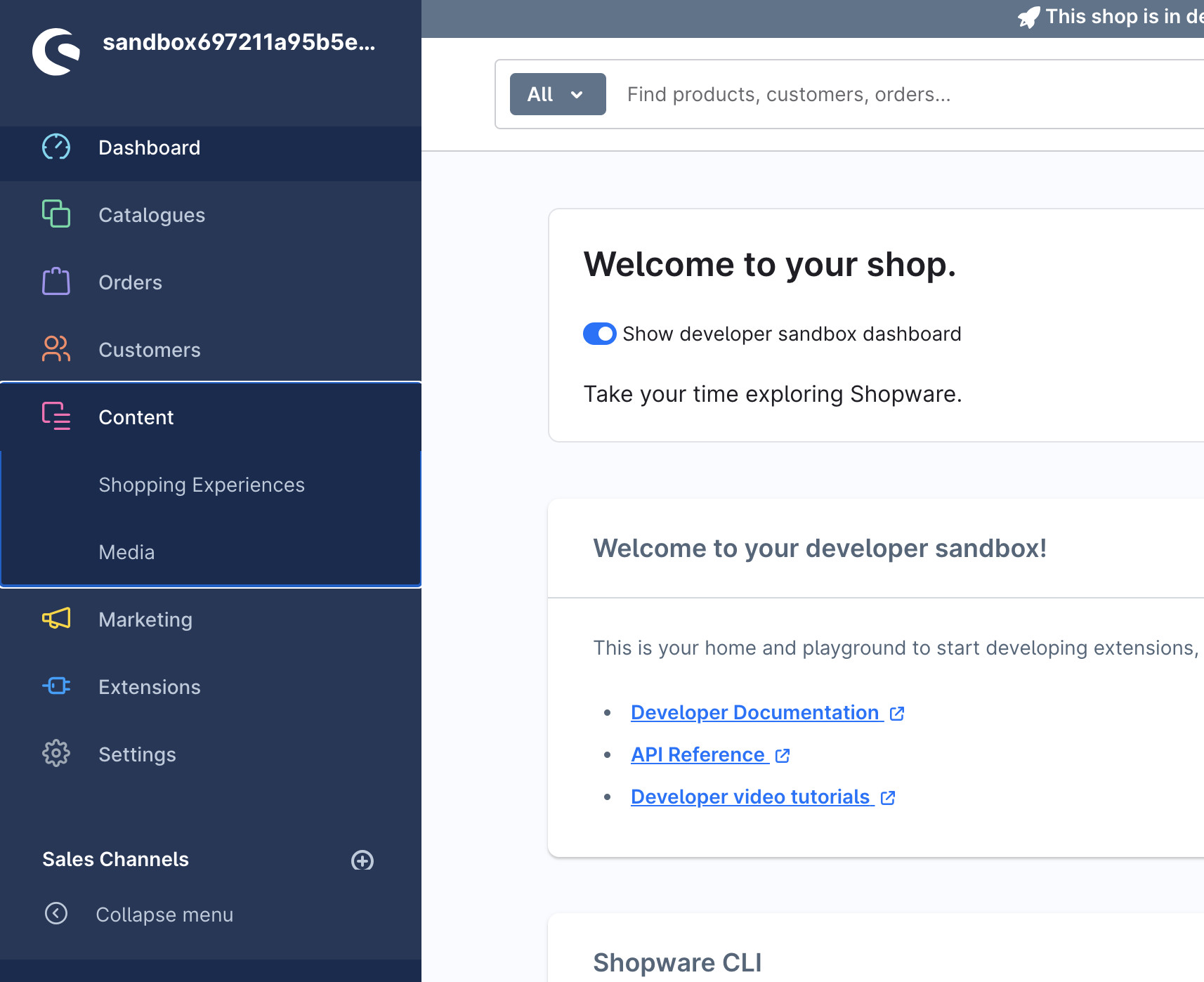
2. Create a new Layout (or edit an existing one).
3. Add a Custom HTML element to the section where you want the locator.
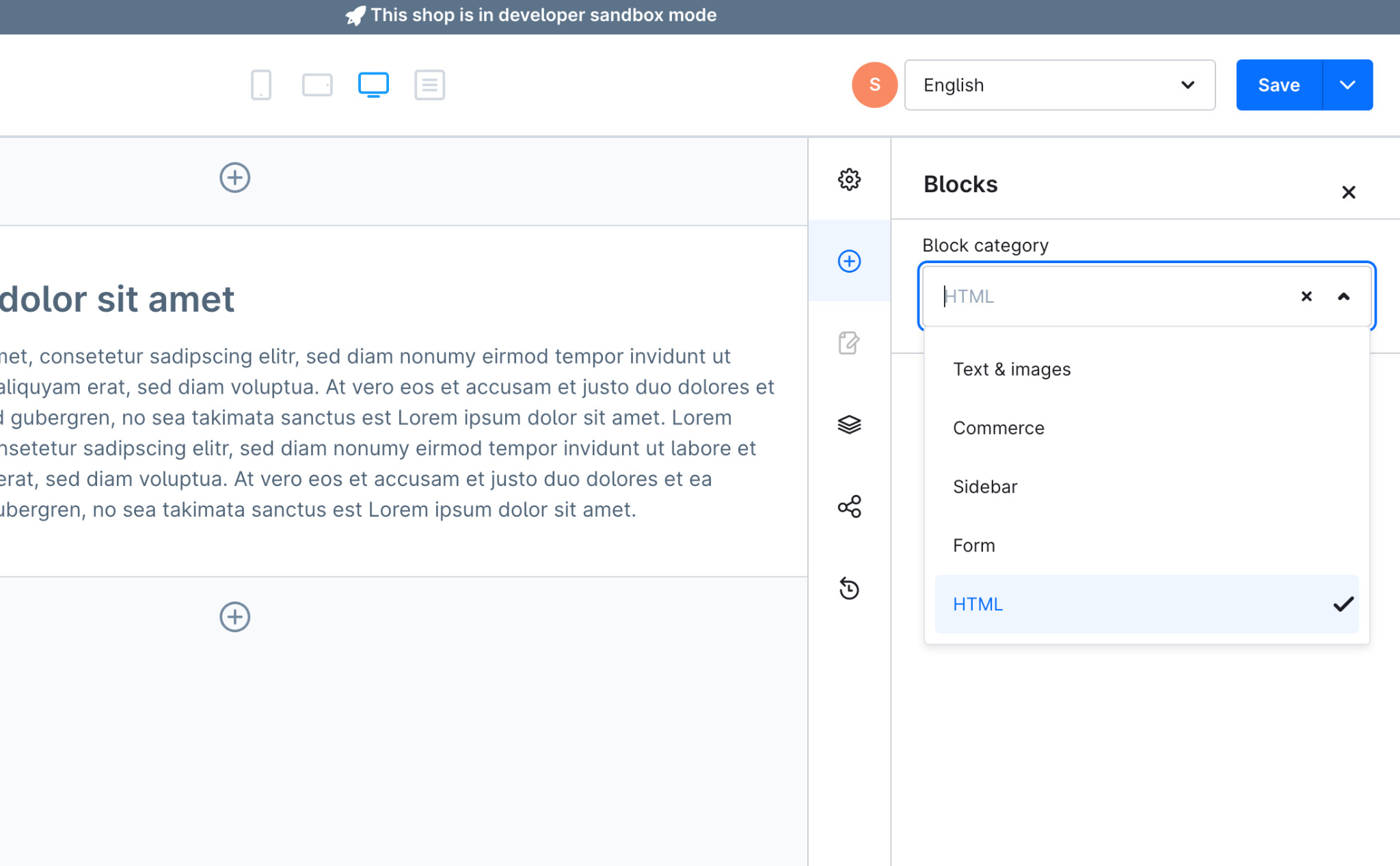
4. Paste the MapCosmos snippet into the HTML field and delta the sample text.
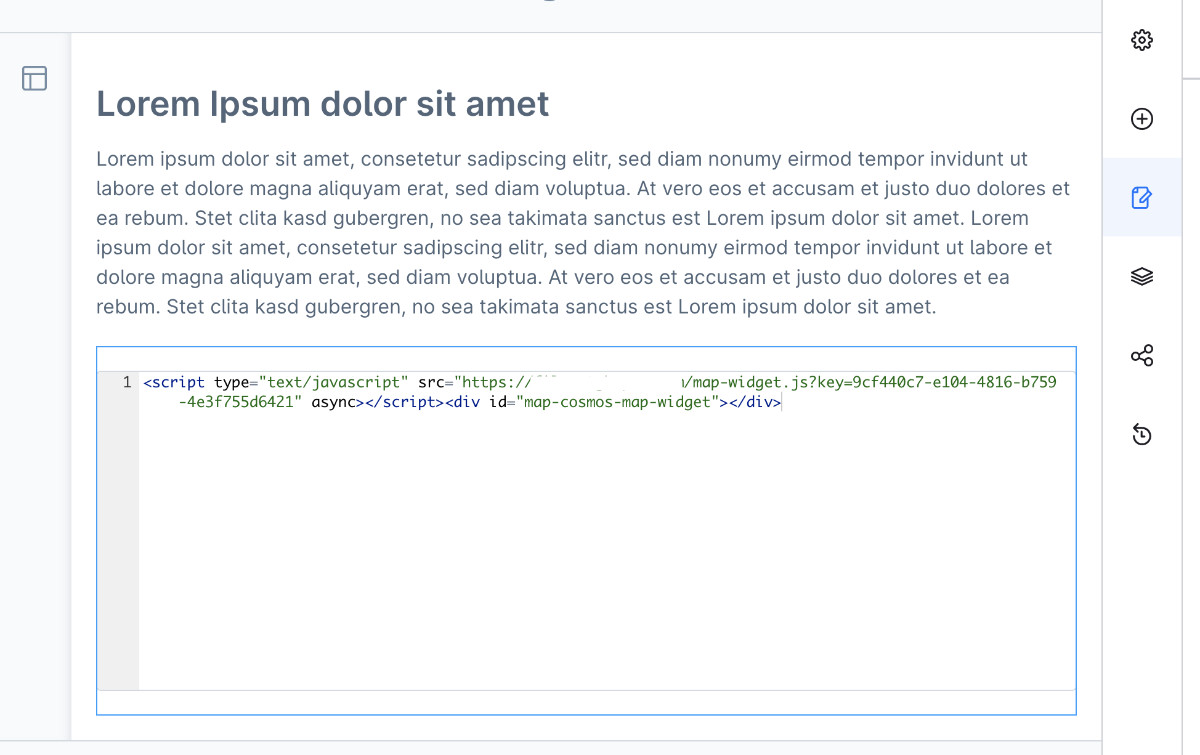
5. Click Save → Assign layout to page → View in storefront to see the real output.
Option B: Add to a Theme Template
If you prefer a dedicated page for the locator:
- Create a new CMS page called Store Locator
- Assign your Shopping Experience layout to it
- In your theme files, create/edit a template like:
custom/plugins/YourTheme/src/Resources/views/store-locator.html.twig
Inside it, paste:
{% sw_extends '@Storefront/storefront/base.html.twig' %}
{% block base_content %}
<h1>Find a Store</h1>
<script type="text/javascript" src="https://widget.mapcosmos.com/map-widget.js?key=WIDGET_KEY" async></script>
<div id="map-cosmos-map-widget"></div>
{% endblock %}
Clear the cache and recompile theme:
bin/console cache:clear
bin/console theme:compile
Step 3: Publish and test
- Assign the new page to your navigation (e.g., “Find Us” or “Store Locator”).
- Refresh the storefront.
- Verify that the widget renders and loads correctly.
What your customers can do
✅ Search instantly for nearby locations
✅ Get directions with one click (Google/Apple Maps)
✅ Filter results by category, product, or service
✅ Access opening hours, parking, and accessibility details
✅ Download PDFs like catalogs or menus directly
🚀 Start with MapCosmos free today and add a powerful, responsive store locator to your Shopware storefront in minutes.